Como Corrigir Rapidamente Arquivos JSON Malformados: Um Manual de Campo para Desenvolvedores
Sua chamada de API acabou de falhar com JSONDecodeError: Expecting property name enclosed in double quotes. O relógio está correndo. Os dados vieram de um LLM e, em algum lugar daquela resposta de 2.000 tokens, uma única vírgula final destruiu todo o seu pipeline.
A partir de maio de 2026, a maneira mais rápida de corrigir arquivos JSON malformados é usar bibliotecas automatizadas como json_repair (Python) ou jsonrepair (npm). Essas ferramentas são construídas especificamente para corrigir instantaneamente erros de sintaxe gerados por LLMs. Para reparos manuais, os suspeitos de sempre são vírgulas finais, aspas simples ou chaves sem aspas — as três violações mais comuns do padrão RFC 8259.
A correção mais rápida: json_repair para saídas de LLM
Analisadores padrão como o json.loads() do Python são estritos por design. Um único caractere fora do lugar dispara um JSONDecodeError e tudo para. Isso é um problema diário em 2026, porque os LLMs rotineiramente envolvem o JSON em texto conversacional, truncam respostas no meio de uma frase ou espalham comentários que quebram a especificação.
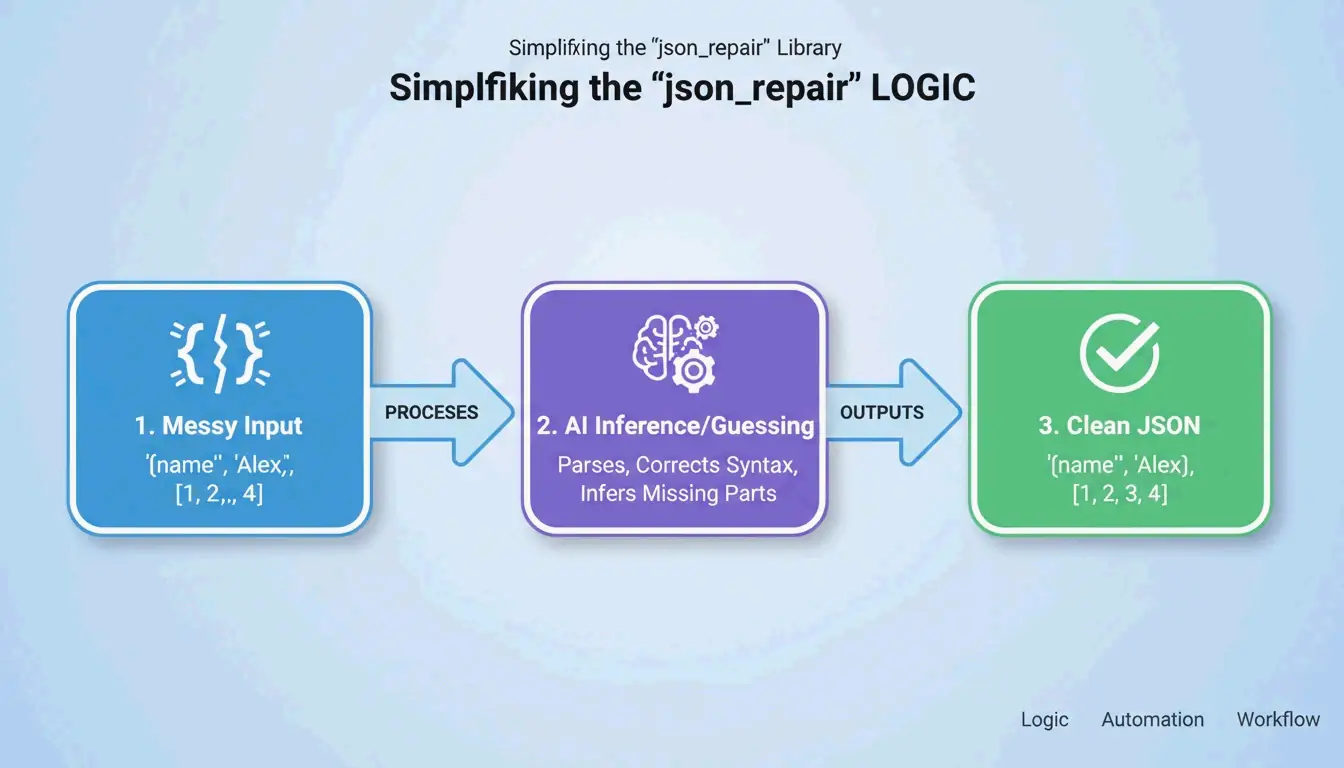
A biblioteca json_repair é a solução de referência. De acordo com o GitHub, este projeto tem mais de 4.700 estrelas em 2026. Ele funciona “adivinhando” a intenção da string — fechando colchetes ausentes, adicionando aspas e removendo texto extra ao redor do bloco JSON.
Python: antes e depois
Instalação: pip install json-repair
A entrada quebrada:
import json_repair

bad_json = '{"user": "Alice", "status": tru'
decoded_object = json_repair.loads(bad_json)
O que aconteceu nos bastidores: json_repair percebeu que tru provavelmente era true, adicionou a chave de fechamento ausente e retornou um dicionário Python válido. Zero intervenção manual.
Modo Salvage: quando os dados estão realmente feios
Para casos mais difíceis, json_repair (v0.59.5+) inclui um Modo Salvage. Conforme observado na documentação do projeto, esse modo foi construído especificamente para respostas de IA truncadas ou logs corrompidos. Ele pode forçar arrays a virarem objetos ou descartar itens irrecuperáveis, garantindo que a saída se encaixe no seu schema.
import json_repair

# Salvage mode for severely truncated data
result = json_repair.loads(
    '{"items": [{"id": 1, "name": "Widget"}, {"id": 2, "na',
    salvage_mode=True
)
# Result: {'items': [{'id': 1, 'name': 'Widget'}, {'id': 2}]}
# Dropped the incomplete 'na' but saved everything else
Alternativa para npm
Para projetos Node.js, a CLI jsonrepair faz o mesmo trabalho:
# Fix a file in place
npx jsonrepair broken.json > fixed.json

# Fix a string in a script
const { jsonrepair } = require('jsonrepair');
const fixed = jsonrepair('{"name": "test",}');
Depuração manual: encontrando o que quebrou a especificação
Quando a automação não resolve, você precisa encontrar exatamente onde o arquivo viola a RFC 8259. JSON é muito menos tolerante que YAML ou JavaScript. Como a Equipe de Diagnóstico do JSONParser explica: “O parser falha no primeiro caractere que não consegue interpretar, o que muitas vezes é um sintoma downstream de um problema várias linhas antes.”
Os três assassinos do JSON
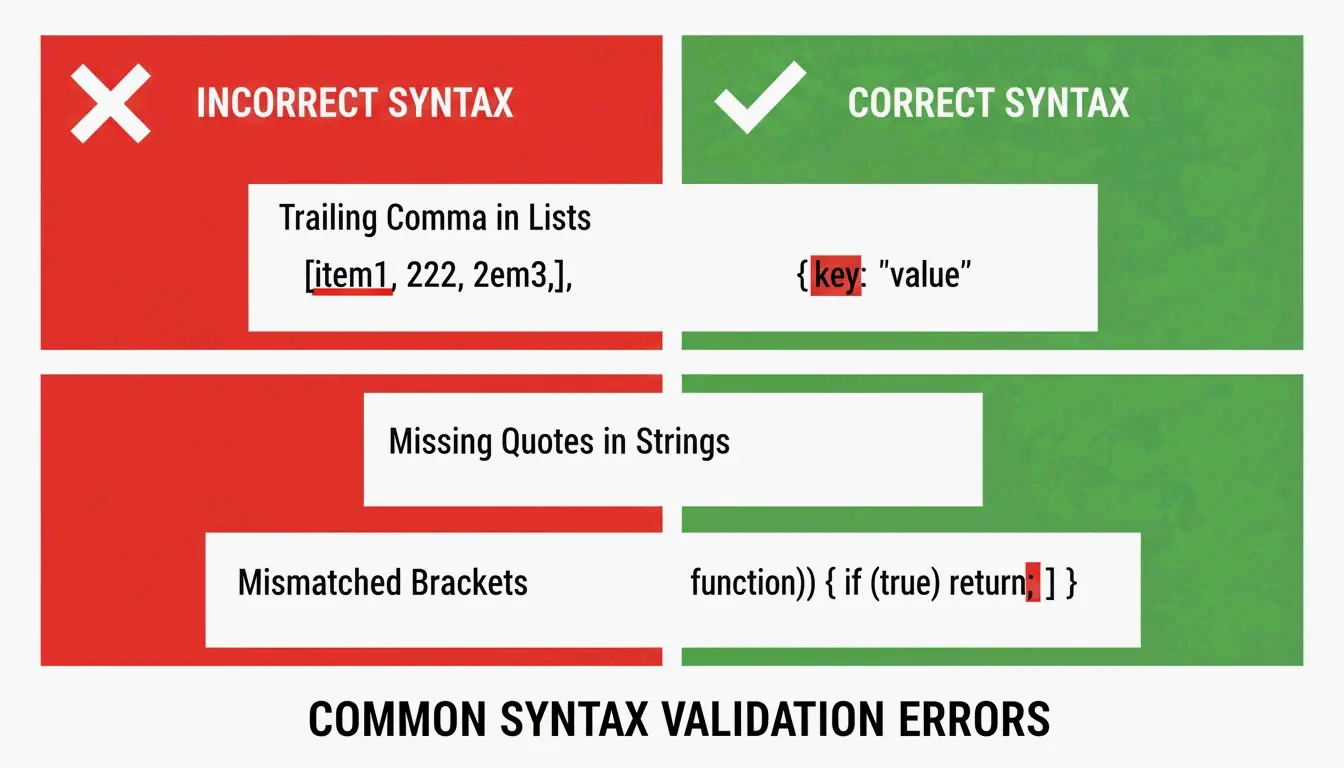
Assassino 1: Vírgulas finais
De acordo com a DEV Community, as vírgulas finais são a causa nº 1 de falhas de análise. Elas são aceitas no JavaScript, mas ilegais após o último item em um array ou objeto JSON.
// BROKEN - trailing comma after "active"
{
  "name": "Alice",
  "status": "active",
}

// FIXED - no comma before closing brace
{
  "name": "Alice",
  "status": "active"
}
Assassino 2: Aspas simples
O JSON exige aspas duplas (") tanto para chaves quanto para valores de string. Muitos desenvolvedores Python e JavaScript acabam usando aspas simples (') por acidente. Como a TidyCode observa, essa é uma correção obrigatória.
// BROKEN - single quotes
{'name': 'Alice'}

// FIXED - double quotes
{"name": "Alice"}
Assassino 3: Chaves sem aspas
No JavaScript você pode escrever { name: "Alice" }. No JSON, toda chave precisa de aspas duplas.
// BROKEN - unquoted key
{name: "Alice"}

// FIXED - quoted key
{"name": "Alice"}
O erro “Unexpected Token”
Quando um validador sinaliza “Unexpected Token”, significa que o parser encontrou NaN, Infinity ou undefined — constantes do JavaScript que o JSON não suporta. JSON permite apenas null, true, false e números.
// BROKEN - NaN is not valid JSON
{"score": NaN, "result": Infinity}

// FIXED - replace with null or valid values
{"score": null, "result": null}
Análise estrita vs. análise com reparo: quando usar qual
A abordagem certa depende da origem dos seus dados. Arquivos de configuração editados por humanos merecem análise estrita para forçar o autor a corrigir os erros. Dados gerados por máquina, vindos de LLMs ou logs de API, precisam de análise baseada em reparo.
| Recurso | Estrito (json.loads) |
Reparo (json_repair) |
|---|---|---|
| Vírgulas finais | Lança JSONDecodeError |
Removidas automaticamente |
| Aspas simples | Falha | Convertidas para aspas duplas |
| Dados truncados | Falha | Fecha colchetes/aspas abertos |
| Comentários | Falha | Removidos automaticamente |
| Melhor caso de uso | Configs editados por humanos | Saídas de LLM, logs de API |
Reparos guiados por schema com Pydantic
Você pode orientar o processo de reparo usando Pydantic v2 ou JSON Schema. Ao fornecer um schema ao json_repair, a ferramenta vai além de corrigir sintaxe — ela pode corrigir tipos (transformando a string "1" no número 1) e preencher campos obrigatórios ausentes com padrões.
from pydantic import BaseModel
import json_repair

class User(BaseModel):
    id: int
    name: str
    active: bool = True

# Broken JSON with wrong types
raw = '{"id": "42", "name": "Alice"}'
repaired = json_repair.loads(raw)

# Validate against schema
user = User(**repaired)
# user.id is now int(42), user.active defaults to True
Como Stefano Baccianella observou em sua citação do projeto de 2025, essa abordagem é otimizada para o JSON “em grande parte correto, mas tecnicamente inválido” que os modelos de linguagem costumam produzir.
Lidando com arquivos de vários gigabytes sem travar
Reparar um snippet de 10 KB é fácil. Corrigir um arquivo de 2 GB exige uma estratégia que não consuma toda a sua RAM. Carregar o arquivo inteiro na memória causa erros de Out-of-Memory (OOM).
Estratégia 1: streaming com ijson
Para conjuntos de dados enormes, use ijson para processar os dados peça por peça. Como a Scrapfly menciona, o ijson processa dados de forma incremental. Combine-o com um script de limpeza que corrija problemas linha por linha antes da análise.
import ijson

# Stream through a large JSON file
with open('huge_broken.json', 'r') as f:
    for item in ijson.items(f, 'records.item'):
        # Process each item individually
        process(item)
Estratégia 2: pipe via CLI para máxima eficiência
A abordagem mais eficiente em memória para arquivos grandes é usar a CLI jsonrepair e direcionar a saída diretamente para um novo arquivo:
# Streams repair, never loads full file into memory
jsonrepair large_broken.json > fixed.json
Isso é significativamente mais eficiente em memória do que carregar o arquivo no Python ou em um navegador.
Conclusão
Corrigir JSON malformado não é mais uma tarefa manual graças a bibliotecas conscientes de IA como json_repair. Você ainda precisa entender o básico da RFC 8259 — sem vírgulas finais, sem aspas simples, sem chaves sem aspas —, mas a automação é a única abordagem prática para dados em escala em 2026.
O fluxo de trabalho é simples: primeiro tente uma biblioteca de reparo. Se falhar, use um validador para localizar o erro de sintaxe exato. Isso mantém suas aplicações em execução mesmo quando os dados recebidos estão menos que perfeitos.
Perguntas frequentes
O JSON pode oferecer suporte oficial a comentários ou aspas simples?
Não. O padrão RFC 8259 proíbe estritamente comentários. Aspas simples também são inválidas — apenas aspas duplas são permitidas para chaves e strings. No entanto, ferramentas como json_repair podem remover comentários e converter aspas automaticamente para tornar os arquivos analisáveis por bibliotecas padrão.
Como lidar com arquivos JSON malformados muito grandes sem travar?
Use um analisador de streaming como ijson para processar os dados em blocos. Evite carregar a string malformada inteira em uma única variável. Para resultados mais rápidos, use ferramentas de reparo via CLI que direcionam a saída diretamente para um novo arquivo no disco, sem manter tudo na memória.
Qual é a diferença entre JSON malformado e JSON inválido?
JSON malformado viola regras de sintaxe — colchetes ausentes, chaves sem aspas, vírgulas finais — tornando impossível analisá-lo. JSON inválido segue todas as regras de sintaxe, mas não corresponde a um JSON Schema específico (por exemplo, um campo é uma string quando o schema espera um inteiro). Corrigir JSON malformado é reparo estrutural; corrigir JSON inválido é uma questão de integridade dos dados.
Posso usar json_repair com validação do Pydantic?
Sim. Execute json_repair.loads() primeiro para corrigir erros de sintaxe e, em seguida, passe o dicionário reparado para o seu modelo Pydantic para validação de tipo e aplicação do schema. Essa abordagem em duas etapas resolve tanto problemas estruturais quanto semânticos.
E quanto a JSON com comentários no estilo JavaScript?
O JSON padrão não suporta comentários, mas o json_repair pode remover comentários // e /* */ automaticamente. Se você precisa de comentários nos seus arquivos de configuração, considere usar o formato JSONC (JSON com comentários) e um analisador compatível como json5 para Python.