壊れたJSONファイルを素早く直す方法:開発者向けフィールドマニュアル
API呼び出しが JSONDecodeError: Expecting property name enclosed in double quotes で失敗した。時間は刻々と過ぎていく。データはLLM由来で、その2000トークンの応答のどこかにある、たった一つの末尾カンマがパイプライン全体を壊してしまった。
2026年5月現在、壊れたJSONファイルを直す最速の方法は、json_repair(Python)や jsonrepair(npm)のような自動化ライブラリを使うことです。これらのツールは、LLMが生成した構文エラーを瞬時に修正するために作られています。手動修正の場合、よくいる犯人は末尾カンマ、シングルクォート、クォートなしのキー——RFC 8259 規格に対する最も一般的な3つの違反です。
最速の修正法:LLM出力向け json_repair
Python の json.loads() のような標準パーサーは、設計上厳格です。一文字でも位置を間違えると JSONDecodeError が発生し、すべてが止まります。これは2026年では日常的な問題です。LLMはJSONを会話テキストで包んだり、応答を途中で切り詰めたり、仕様を壊すコメントを撒き散らしたりするからです。
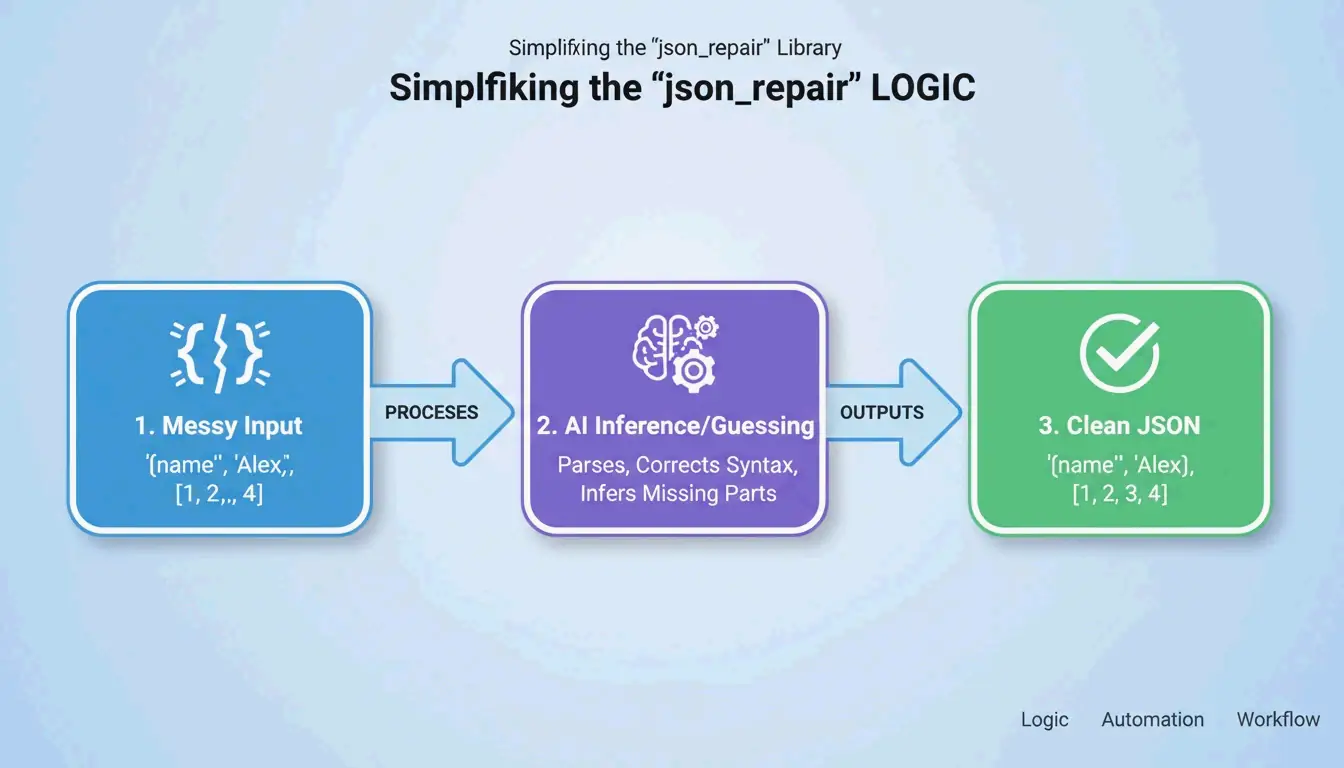
json_repair ライブラリが定番の解決策です。GitHub によると、このプロジェクトは2026年時点で4700以上のスターを獲得しています。文字列の意図を「推測」する仕組みで動作します——足りない括弧を閉じ、引用符を補い、JSONブロックの周囲の余分なテキストを取り除きます。
Python:ビフォーアフター
インストール:pip install json-repair
壊れた入力:
import json_repair

bad_json = '{"user": "Alice", "status": tru'
decoded_object = json_repair.loads(bad_json)
裏で何が起きたか:json_repair は tru がおそらく true であると判断し、足りない閉じ括弧を補い、有効なPython辞書を返しました。手作業は一切不要です。
サルベージモード:データがひどく壊れているとき
より難しいケース向けに、json_repair(v0.59.5+)には サルベージモード があります。プロジェクトドキュメント にある通り、このモードは切り詰められたAI応答や破損したログ専用に作られています。配列をオブジェクトに強制変換したり、救えないほど壊れた項目を削除したりして、出力がスキーマに合うようにします。
import json_repair

# Salvage mode for severely truncated data
result = json_repair.loads(
    '{"items": [{"id": 1, "name": "Widget"}, {"id": 2, "na',
    salvage_mode=True
)
# Result: {'items': [{'id': 1, 'name': 'Widget'}, {'id': 2}]}
# Dropped the incomplete 'na' but saved everything else
npm の代替
Node.js プロジェクトでは、jsonrepair CLI が同じ役割を果たします:
# Fix a file in place
npx jsonrepair broken.json > fixed.json

# Fix a string in a script
const { jsonrepair } = require('jsonrepair');
const fixed = jsonrepair('{"name": "test",}');
手動デバッグ:仕様を壊した犯人を見つける
自動化でも追いつかないときは、ファイルが RFC 8259 のどこに違反しているかを正確に見つける必要があります。JSONは YAML や JavaScript ほど寛容ではありません。JSONParser 診断チーム が説明する通り、「パーサーは理解できない最初の文字で失敗しますが、それは多くの場合、数行前の問題の下流の症状です」。
3人の JSON キラー
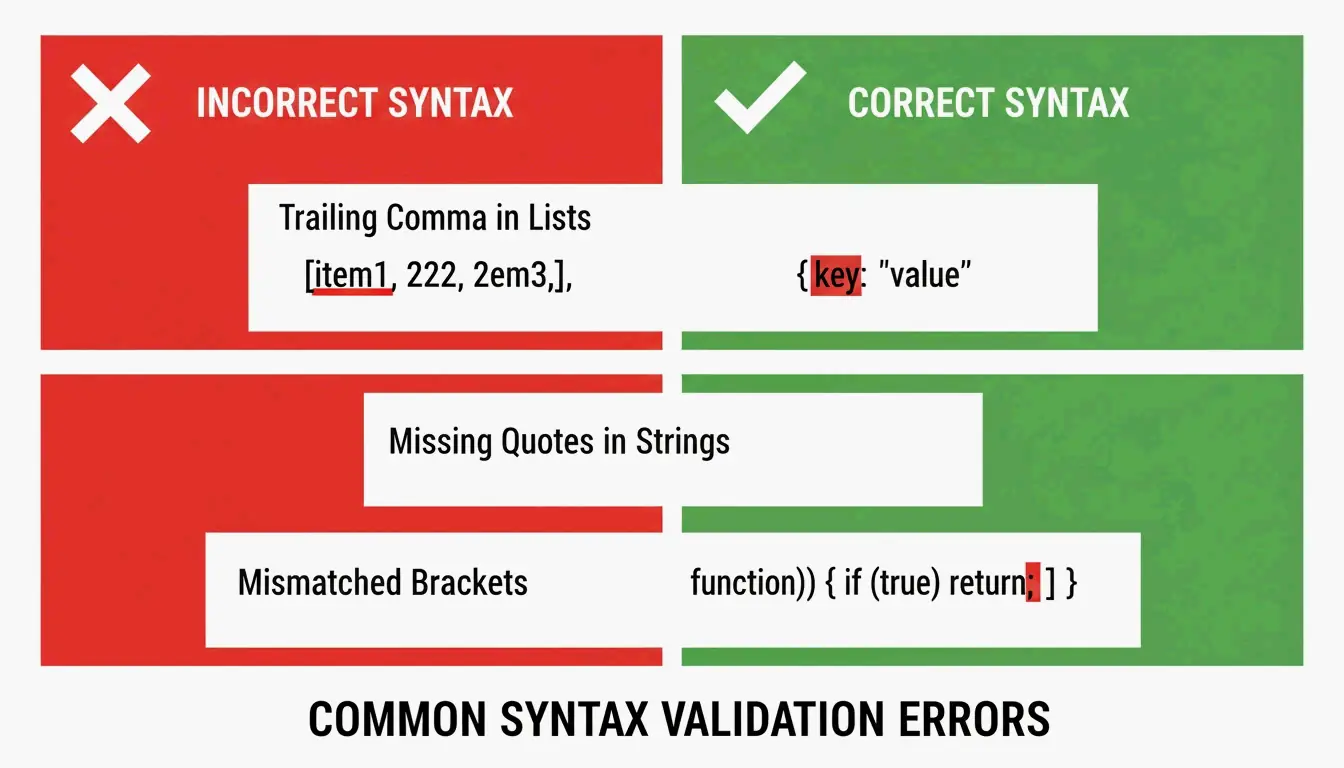
キラー1:末尾カンマ
DEV Community によると、末尾カンマはパース失敗の原因第1位です。JavaScript では問題ありませんが、JSON の配列やオブジェクトの最後の項目の後では違法です。
// BROKEN - trailing comma after "active"
{
  "name": "Alice",
  "status": "active",
}

// FIXED - no comma before closing brace
{
  "name": "Alice",
  "status": "active"
}
キラー2:シングルクォート
JSON はキーと文字列値の両方にダブルクォート(")を要求します。多くの Python や JavaScript 開発者が誤ってシングルクォート(')を使います。TidyCode が指摘する通り、これは必須の修正です。
// BROKEN - single quotes
{'name': 'Alice'}

// FIXED - double quotes
{"name": "Alice"}
キラー3:クォートなしのキー
JavaScript では { name: "Alice" } と書けます。しかし JSON では、すべてのキーにダブルクォートが必要です。
// BROKEN - unquoted key
{name: "Alice"}

// FIXED - quoted key
{"name": "Alice"}
「Unexpected Token」エラー
バリデーターが「Unexpected Token」を指摘したとき、それはパーサーが NaN、Infinity、undefined ——JSON が対応しない JavaScript の定数——に遭遇したことを意味します。JSON が許すのは null、true、false、数値だけです。
// BROKEN - NaN is not valid JSON
{"score": NaN, "result": Infinity}

// FIXED - replace with null or valid values
{"score": null, "result": null}
厳格パース vs. 修復パース:どちらを使うべきか
正しいアプローチはデータの出所によります。人間が編集した設定ファイルは、著者に間違いを直させるため厳格なパースに値します。LLM や API ログからの機械生成データには、修復ベースのパースが必要です。
| 機能 | 厳格(json.loads) |
修復(json_repair) |
|---|---|---|
| 末尾カンマ | JSONDecodeError を発生 |
自動的に削除 |
| シングルクォート | 失敗 | ダブルクォートに変換 |
| 切り詰められたデータ | 失敗 | 開いた括弧/引用符を閉じる |
| コメント | 失敗 | 自動的に削除 |
| 最適な用途 | 人間が編集した設定ファイル | LLM出力、APIログ |
Pydantic でスキーマ主導の修復を行う
Pydantic v2 や JSON Schema を使って修復プロセスを導くことができます。json_repair にスキーマを与えると、ツールは構文を直すだけでなく、型も修正し(文字列の "1" を数値の 1 に)、必須フィールドの欠落をデフォルト値で埋めます。
from pydantic import BaseModel
import json_repair

class User(BaseModel):
    id: int
    name: str
    active: bool = True

# Broken JSON with wrong types
raw = '{"id": "42", "name": "Alice"}'
repaired = json_repair.loads(raw)

# Validate against schema
user = User(**repaired)
# user.id is now int(42), user.active defaults to True
Stefano Baccianella が2025年のプロジェクト引用で述べた通り、このアプローチは、言語モデルが生成しがちな「ほぼ正しいが技術的には無効な」JSON向けに最適化されています。
クラッシュさせずに数GBのファイルを扱う
10KB のスニペットを修復するのは簡単です。2GB のファイルを直すには、メモリを食い尽くさない戦略が必要です。ファイル全体をメモリに読み込むと、メモリ不足(OOM)エラーを引き起こします。
戦略1:ijson でストリーミング
巨大なデータセットには ijson を使い、データを少しずつ処理します。Scrapfly が述べる通り、ijson はデータをインクリメンタルに処理します。パースの前に行単位で問題を修正するクリーンアップスクリプトと組み合わせて使います。
import ijson

# Stream through a large JSON file
with open('huge_broken.json', 'r') as f:
    for item in ijson.items(f, 'records.item'):
        # Process each item individually
        process(item)
戦略2:最大効率の CLI パイプ
大きなファイルで最もメモリ効率の良い方法は、jsonrepair CLI を使い、出力を直接新しいファイルへパイプすることです:
# Streams repair, never loads full file into memory
jsonrepair large_broken.json > fixed.json
これはファイルを Python やブラウザに読み込むよりずっとメモリ効率が良いです。
まとめ
json_repair のようなAI対応ライブラリのおかげで、壊れたJSONの修正はもはや手作業ではありません。RFC 8259 の基本——末尾カンマなし、シングルクォートなし、クォートなしのキーなし——を理解する必要はありますが、2026年の大規模データには自動化だけが現実的なアプローチです。
ワークフローはシンプルです:まず修復ライブラリを試します。それが失敗したら、バリデーターで正確な構文エラーの場所を特定します。これにより、入力データが完璧でなくてもアプリケーションを動かし続けられます。
FAQ
JSON は公式にコメントやシングルクォートをサポートしていますか?
いいえ。RFC 8259 規格はコメントを厳格に禁じています。シングルクォートも無効で、キーと文字列にはダブルクォートしか使えません。ただし json_repair のようなツールは、コメントを取り除き引用符を変換して、ファイルが標準ライブラリでパースできるようにできます。
クラッシュさせずに非常に大きな壊れたJSONファイルを扱うには?
ijson のようなストリーミングパーサーを使ってデータをチャンク単位で処理します。壊れた文字列全体を一つの変数に読み込むのは避けてください。最速の結果を出すには、CLI 修復ツールを使って出力をメモリに保持せず直接ディスク上の新しいファイルへパイプします。
壊れたJSONと無効なJSONの違いは何ですか?
壊れた(malformed)JSON は構文規則に違反し——括弧の欠落、クォートなしのキー、末尾カンマ——パース不可能です。無効な(invalid)JSON はすべての構文規則に従いますが、特定の JSON Schema に合致しません(例:フィールドが文字列だがスキーマは整数を期待)。壊れたJSONの修正は構造的修復、無効なJSONの修正はデータ整合性の問題です。
json_repair を Pydantic のバリデーションと一緒に使えますか?
はい。まず json_repair.loads() で構文エラーを直し、その後、修復された辞書を Pydantic モデルに渡して型バリデーションとスキーマ強制を行います。この2段階のアプローチで、構造的および意味的な問題の両方に対処できます。
JavaScript 風のコメント付き JSON はどうすればいいですか?
標準 JSON はコメントをサポートしませんが、json_repair は // と /* */ コメントを自動的に取り除けます。設定ファイルにコメントが必要なら、JSONC(コメント付きJSON)形式と、Python 向け json5 のような互換パーサーの使用を検討してください。